
Display Agilebot Robot Model in RViz
This section explains how to use ROS 2 to display the Agilebot robot model in RViz and interact with it via the GUI tool. RViz is the ROS visualization tool for real‑time rendering of robot models, sensor data, and environment information. It can:
Load and display URDF robot models
Visualize LiDAR point clouds, depth camera clouds, and other 2D/3D sensor data
Show joint states, planned trajectories, and TF coordinate transforms
Provide interactive markers and GUI plugins for online adjustment of robot pose and targets
The display appears as follows:
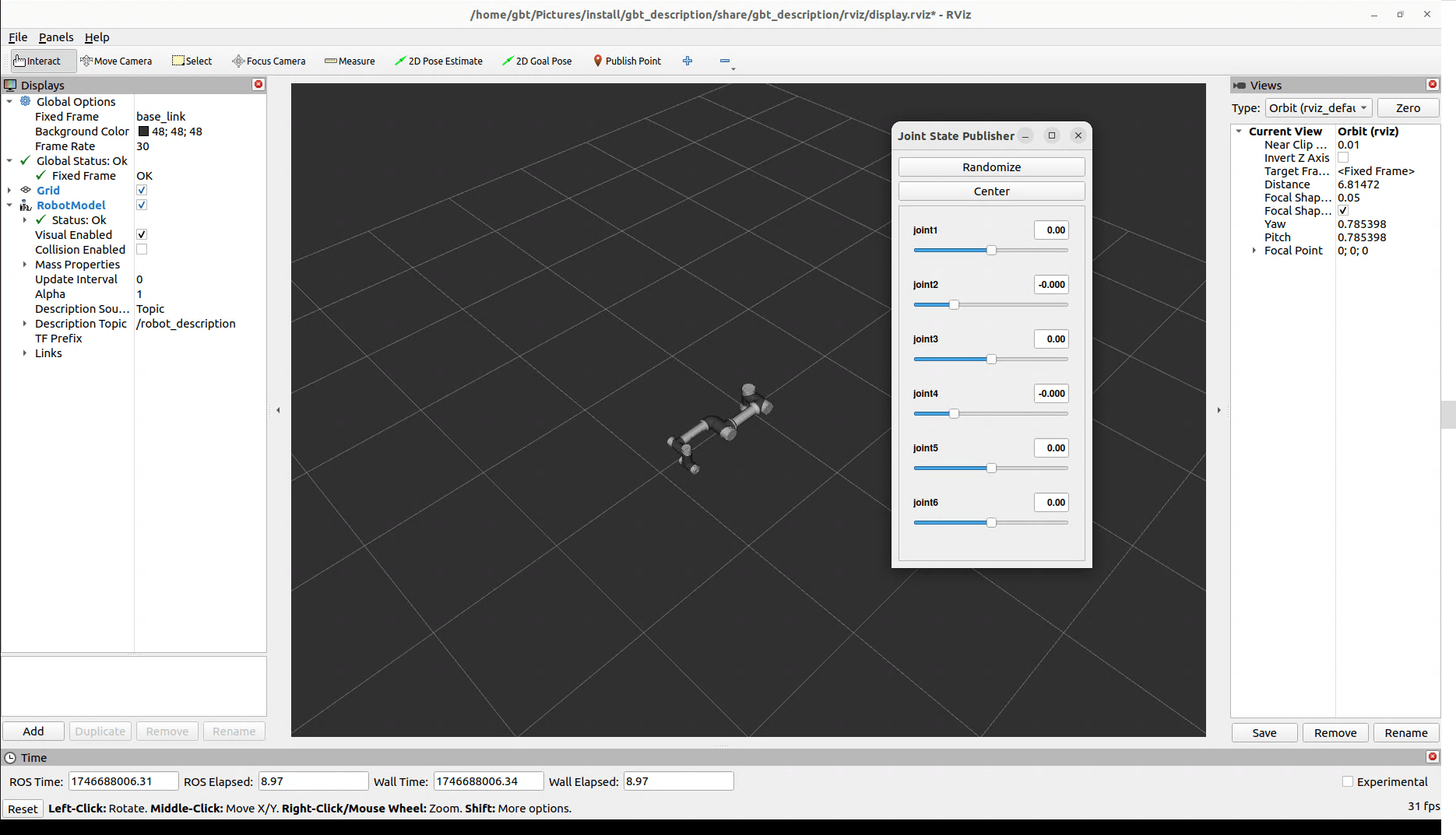
To visualize the URDF model of Shanghai Agilebot Robotics robots, execute the following commands to launch RViz:
cd {your_workspace_directory}
source install/setup.bash
ros2 launch gbt_description display_robot.launch.py robot_type:=<robot_type>
For example, to display the C5A model robot:
cd {your_workspace_directory}
source install/setup.bash
ros2 launch gbt_description display_robot.launch.py robot_type:=C5A
Other robot models can be launched similarly:
# C7A robot
ros2 launch gbt_description display_robot.launch.py robot_type:=C7A

# C12A robot
ros2 launch gbt_description display_robot.launch.py robot_type:=C12A

# C16A robot
ros2 launch gbt_description display_robot.launch.py robot_type:=C16A
Currently supported collaborative robot models:
- C5A
- C7A
- C12A
- C16A
The working directory refers to the directory containing
srcandinstallfolders (e.g.,/home/{your_username}/ws).Please visit the official website to check more robot: https://www.sh-agilebot.com/