
Simulate the Robot in Gazebo
This section explains how to simulate Agilebot robots in Gazebo—a highly extensible 3D robotics simulator with multi‑engine physics support (ODE, Bullet, DART), rich sensor plugins (LiDAR, depth camera, IMU, GPS), and tight ROS 2 integration via gazebo_ros_pkgs. Gazebo lets you safely test and refine algorithms in realistic virtual environments before deploying on real hardware.
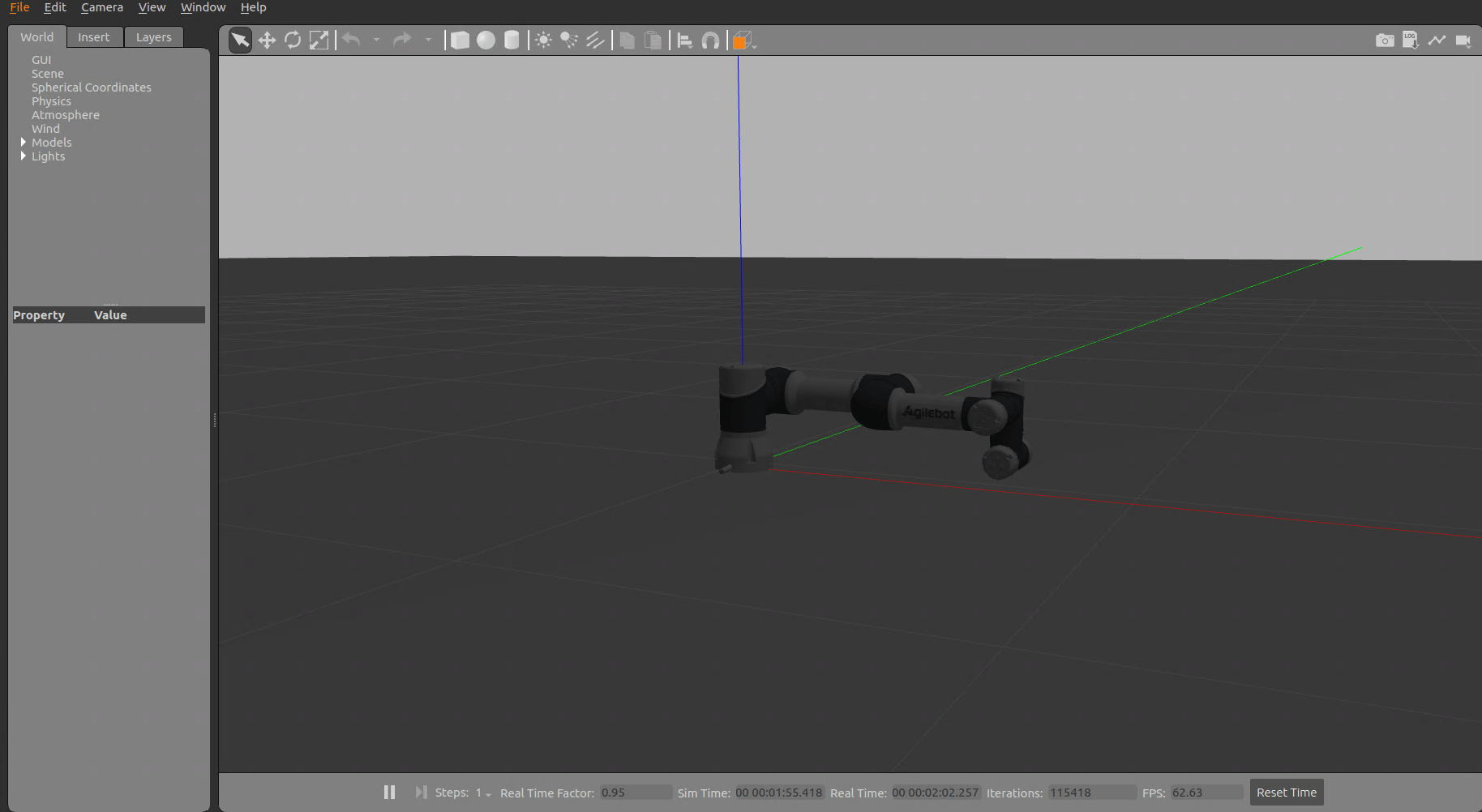
To simulate Agilebot robots in Gazebo, use the following command:
ros2 launch gbt_gazebo gazebo_demo.launch.py robot_type:=<robot_type> [controller_name:=<controller_name>]For example, to launch the Gazebo simulation for the C5A model robot:
ros2 launch gbt_gazebo gazebo_demo.launch.py robot_type:=C5A controller_name:=gbt_c5a_arm_controllerOther robot models can be launched similarly:
# C7A robot
ros2 launch gbt_gazebo gazebo_demo.launch.py robot_type:=C7A

# C12A robot
ros2 launch gbt_gazebo gazebo_demo.launch.py robot_type:=C12A

# C16A robot
ros2 launch gbt_gazebo gazebo_demo.launch.py robot_type:=C16A
This will open Gazebo and load the corresponding robot model with environment settings.
The controller name is usually
gbt_{robot_type}_arm_controller, please refer to the corresponding robot controller configuration file in thegbt_moveitpackage for the specific name.For example:
gbt_moveit_config/c5a_moveit_config/config/ros2_controllers.yamlThe
controller_nameparameter is optional. If left empty, it will be automatically generated using the default naming rule:gbt_{robot_type.lower()}_arm_controller.
Configuration and Customization
You can customize the Gazebo simulation environment by modifying files in the config directory, including:
- Adjusting physical parameters
- Adding/removing objects
Notes
If Gazebo fails to close properly, use the following command to force termination:
kill -9 $(ps aux | grep '[g]azebo' | awk '{print $2}')