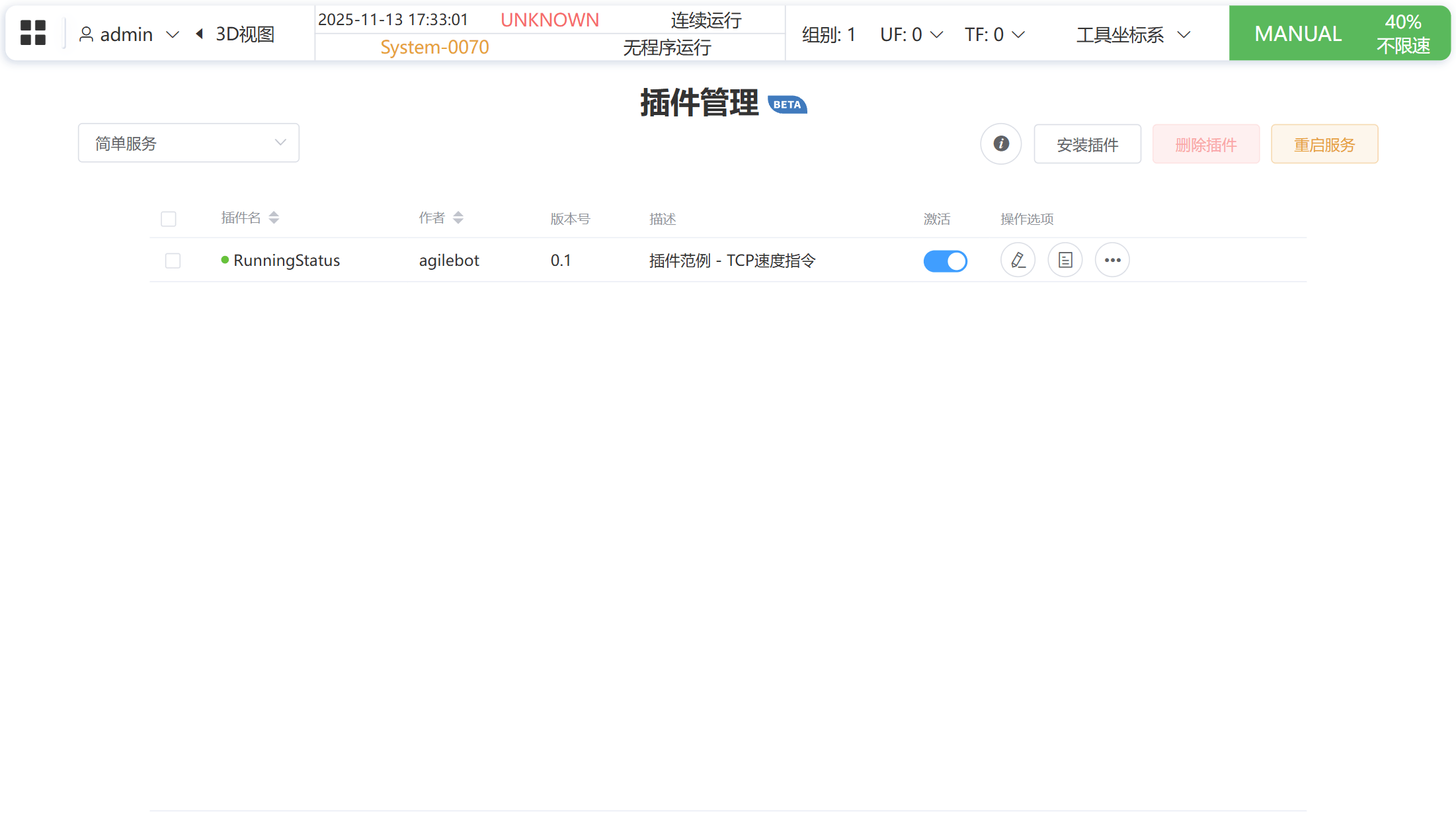
TCP Velocity
Overview
TcpVelocity is a bundle that monitors the robot TCP speed. It contains a general-service frontend + backend as well as a easy service that users trigger with the CALL_SERVICE instruction. The package delivers:
- Real-time status panel – displays the robot motion state, TCP speed, and the currently running TP program on the Run page.
- Program integration – supports the
CALL_SERVICEinstruction so a TP program can decide which R register should store the TCP speed. - Language auto-switching – follows the controller language settings automatically.
- Persistent logging – relies on the log module built into the general service.
- Ready-to-run demo – you can launch the sample project locally to inspect every interaction.
UI Preview
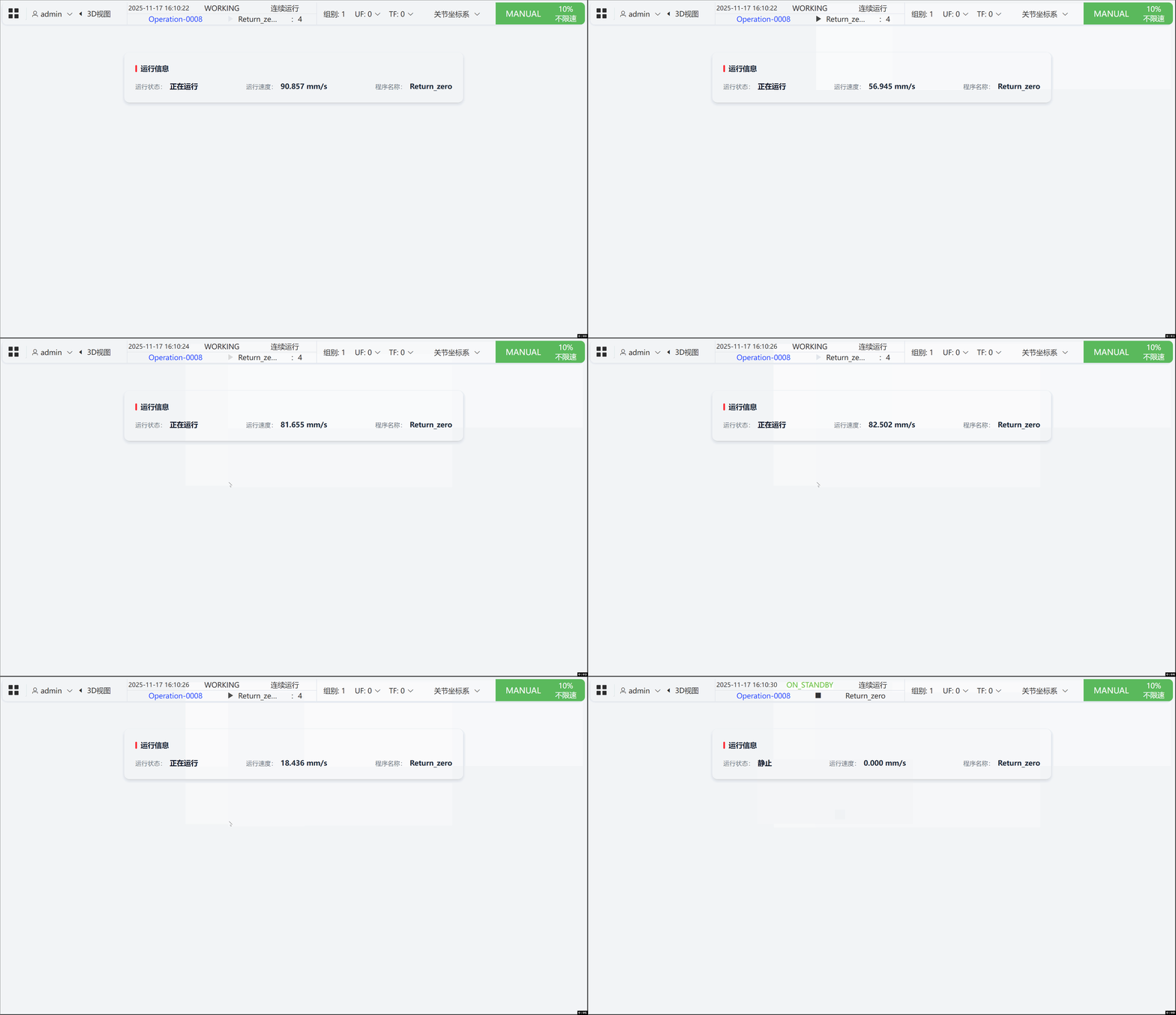
Layout overview
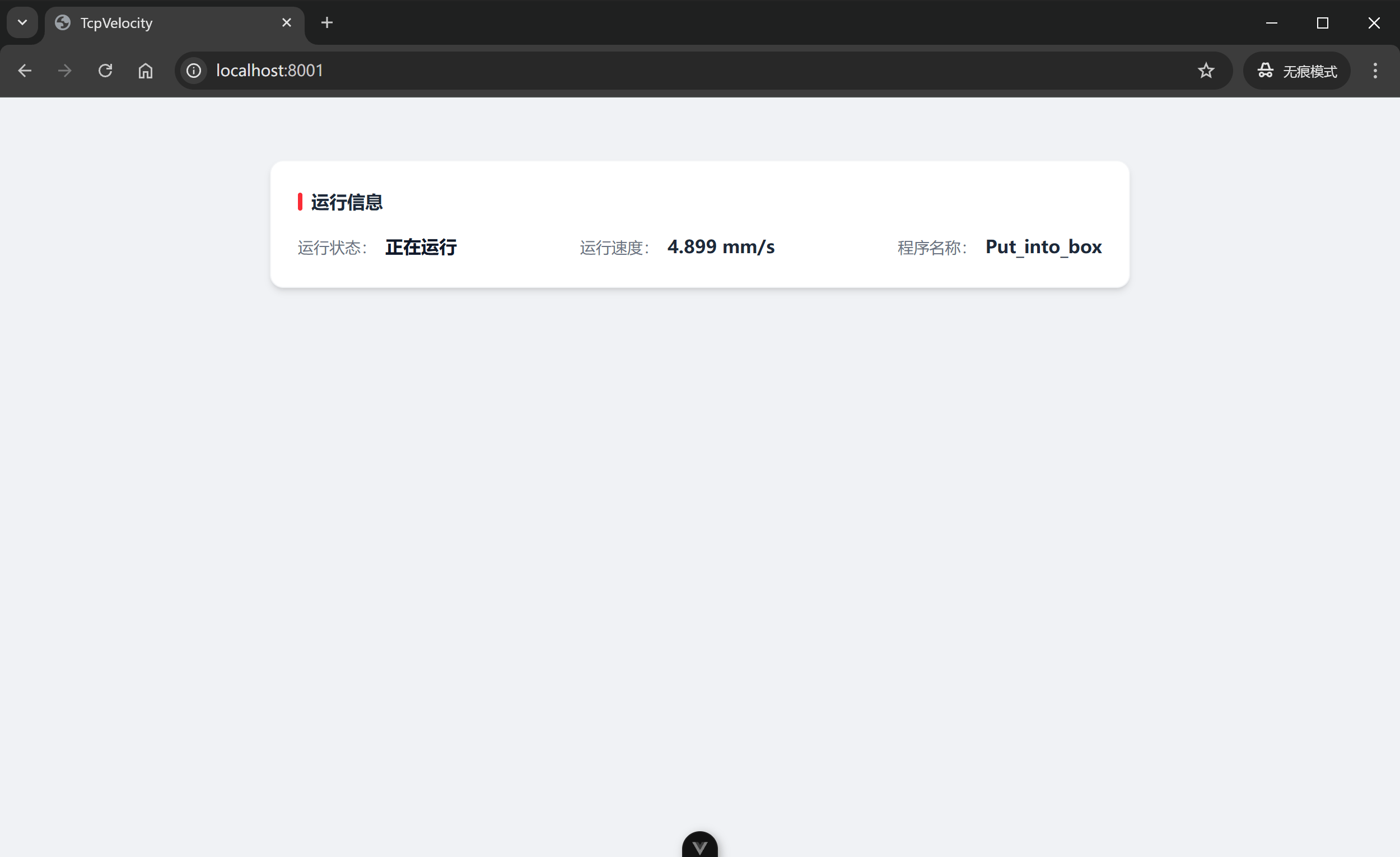
The dashboard shows robot posture, TCP speed, and current TP program in real time.
Program invocation
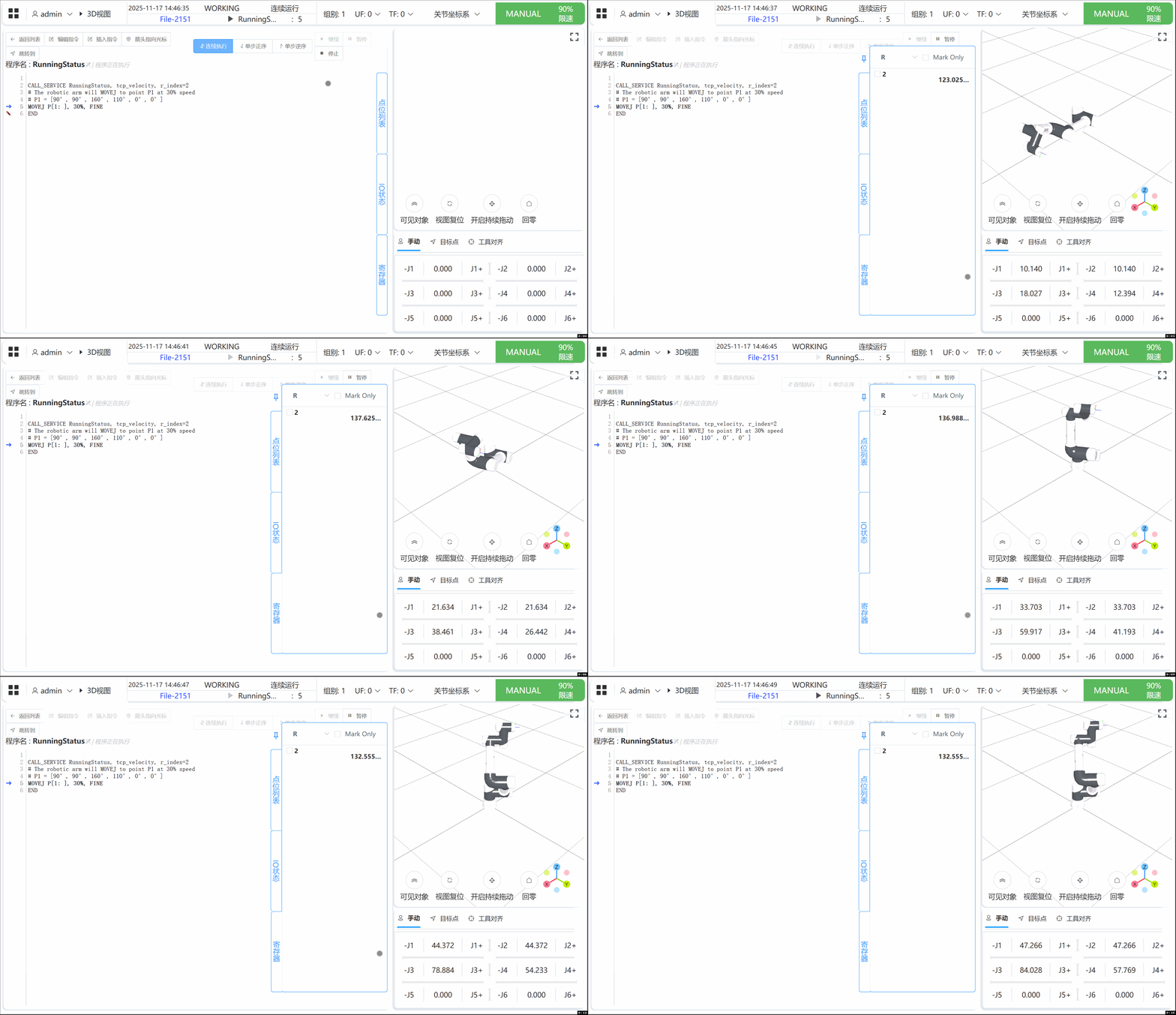
By sending the CALL_SERVICE instruction you can specify the R register that stores the TCP speed, as shown below.
Language switch
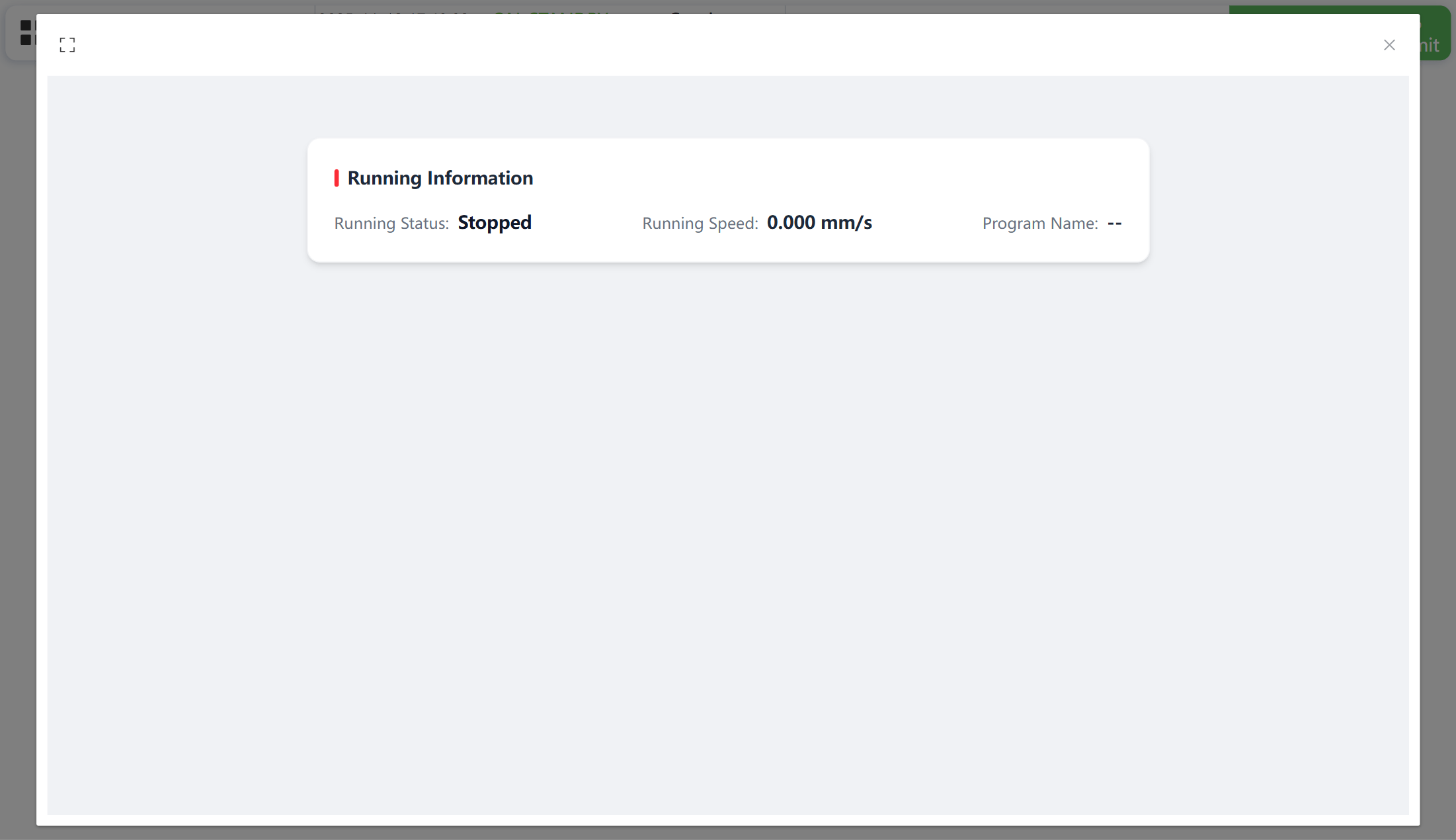
After switching the controller language, the page automatically renders in the matching locale (e.g., English mode).
Prerequisites
Skills
- Familiarity with the Node.js toolchain (pnpm) to install the general-service frontend.
- Understanding of Python virtual environments and the Agilebot Python SDK.
- Basic web frontend knowledge (HTML/CSS/JavaScript) plus hands-on experience with Vue.
Environment
- Make sure the development PC and controller are on the same network.
- Controller firmware version must be >= Copper 7.7.3.
- Agilebot Python SDK (>= 2.0.0.0) must be installed on the controller. See the SDK installation guide if needed.
- Use an up-to-date Chrome/Edge browser.
Project Structure
Clone the sample from the repository’s demo folder. The directory layout is:
- TCP速度
- RunningStatus
- config.json
- RunningStatus.py
- TcpVelocity
- app
- assets
- main.css
- i18n
- App.vue
- main.ts
- assets
- server
- base_server.py
- config.py
- ipc_utils.py
- logger.py
- models.py
- robot_service.py
- robot_worker.py
- state.py
- config.json
- main.py
- package.json
- requirements.txt
- app
- RunningStatus
Responsibilities:
RunningStatus: easy service script that receivesCALL_SERVICE, discovers theTcpVelocityport, and calls the HTTP API to tell the general service which R register to write.RunningStatus/config.json: metadata for the easy service.
TcpVelocity: general service that exposes FastAPI + WebSocket endpoints;server/robot_services.pyhandles robot data processing and writing the R register.TcpVelocity/app: Vue frontend that visualizes telemetry over a WebSocket.TcpVelocity/server: backend code for robot communication, IPC management, logging, and state storage.TcpVelocity/config.json: metadata for the general service entry point.
Core Interaction Flow
Interaction with the robot system
The TcpVelocity general service uses the Agilebot Python SDK to connect to the robot via sub_pub , subscribing to both Cartesian pose and TP program status topics.
await self.arm.sub_pub.connect()
await self.arm.sub_pub.subscribe_status(
    [
        RobotTopicType.CARTESIAN_POSITION,
        RobotTopicType.TP_PROGRAM_STATUS,
    ],
    frequency=200,
)
await self.arm.sub_pub.start_receiving(self.handle_robot_message)
Each pose update is turned into a TCP velocity value. When the user has specified a destination register, the backend throttles the write and syncs the value to that R register.
r_index = SharedState.get("tcp_velocity_r_index")
if r_index is not None and r_index > 0:
    ret = self.arm.register.write_R(r_index, self._last_tcp_velocity)
    if ret != StatusCodeEnum.OK:
        logger.error(f"write R register failed: {ret.errmsg}")
The easy service reacts to CALL_SERVICE by querying the running port of TcpVelocity and calling the HTTP API /api/set_tcp_velocity_r_index to submit the register index.
extension = Extension(ROBOT_IP)
res, ret = extension.get("TcpVelocity")
if ret != StatusCodeEnum.OK or not res.state.isRunning:
    raise Exception("TcpVelocity service is not running")
api_url = f"http://{ROBOT_IP}:{res.state.port}/api/set_tcp_velocity_r_index"
requests.post(api_url, json={"index": r_index}).json()
Component communication
TcpVelocity involves the easy service, the FastAPI backend, a robot worker subprocess, and the Vue frontend. The communication layers are:
Easy service → General service (HTTP).
RunningStatushits/api/set_tcp_velocity_r_index, whileTcpVelocitypersists the requested register index throughSharedStatefor the worker to consume later.py@app.post("/api/set_tcp_velocity_r_index") async def set_tcp_velocity_r_index(body: SetTcpVelocityIndexRequest): SharedState.set("tcp_velocity_r_index", body.index) logger.info(f"set TCP velocity R register: {body.index}") return {"result": True}FastAPI main process ↔ robot worker subprocess (IPC). During startup,
IPCManagerlaunchesrobot_workerto stream robot messages. The worker sends data through a queue, and_ipc_handlebroadcasts the payloads while caching the latest velocity.pyipc = IPCManager( spawn_proc=lambda q: start_robot_process(ROBOT_IP, q), handler=_ipc_handle, log=logger, watch_interval=2.0, ) async def _ipc_handle(item): await ws_server.broadcast(item) if isinstance(item, dict) and item.get("type") == MessageType.TCP_VELOCITY: SharedState.set("last_tcp_velocity", float(item.get("velocity") or 0.0))General service → Frontend (WebSocket).
app/App.vueconnects viauseWebSocket('/ws'), rendering the TCP velocity and running program name in real time.tsconst { data } = useWebSocket('/ws', { autoReconnect: true, }) watch(data, (rawMsg) => { const msg = JSON.parse(rawMsg) if (msg.type === 'tcp_velocity') { velocityText.value = `${Number(msg.velocity).toFixed(3)} ${msg.unit || 'mm/s'}` } else if (msg.type === 'running_program') { programName.value = msg.program_name || '--' } })
After this one-time CALL_SERVICE notification, TCP velocity calculation, periodic register sync, and UI updates are handled automatically by the general service and frontend.
Development Guide
General service
- In
PowerShell, openTCP速度/TcpVelocityand runpnpm ito install frontend dependencies.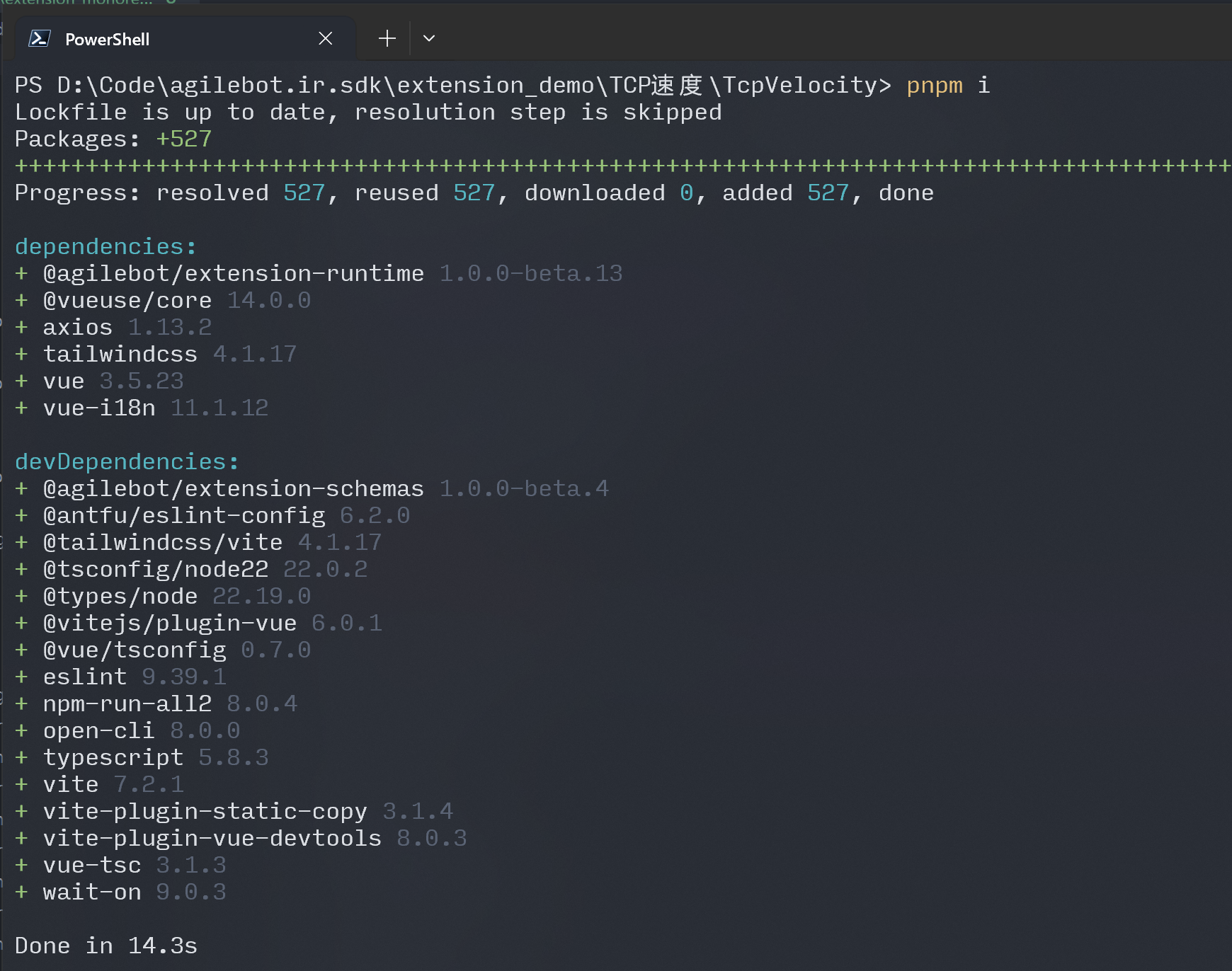
- Activate your Python virtual environment and run
pip install -r requirements.txtto install backend dependencies.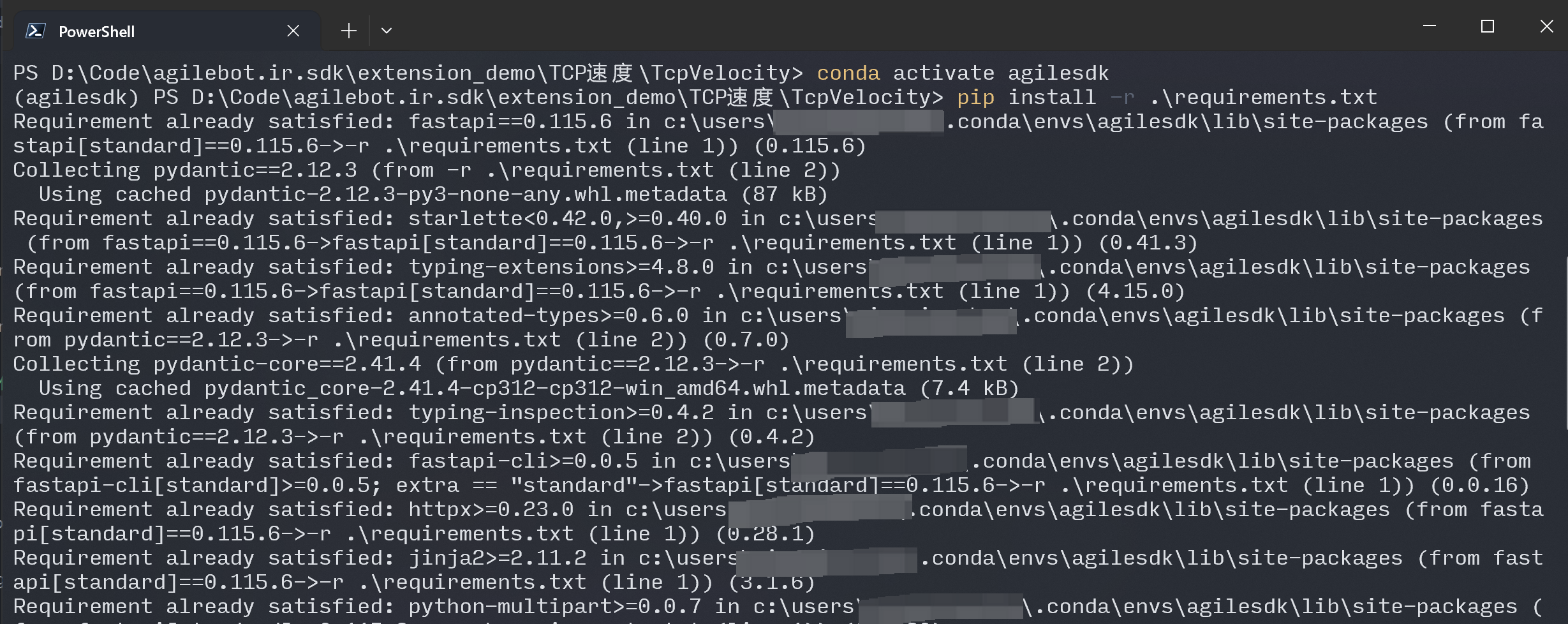
- Run
pnpm devto start the general service.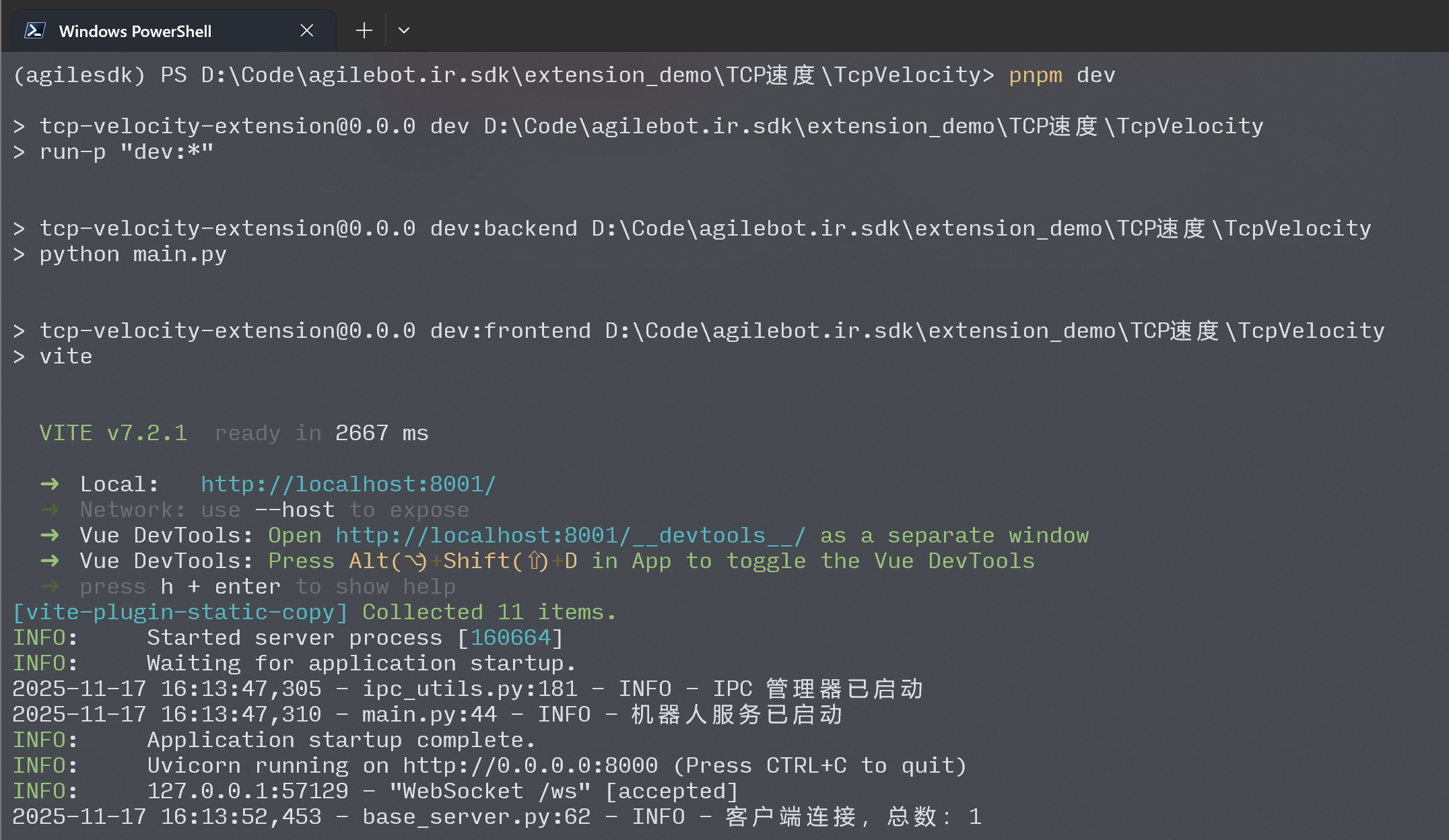
- After startup, the browser opens
http://localhost:8001automatically.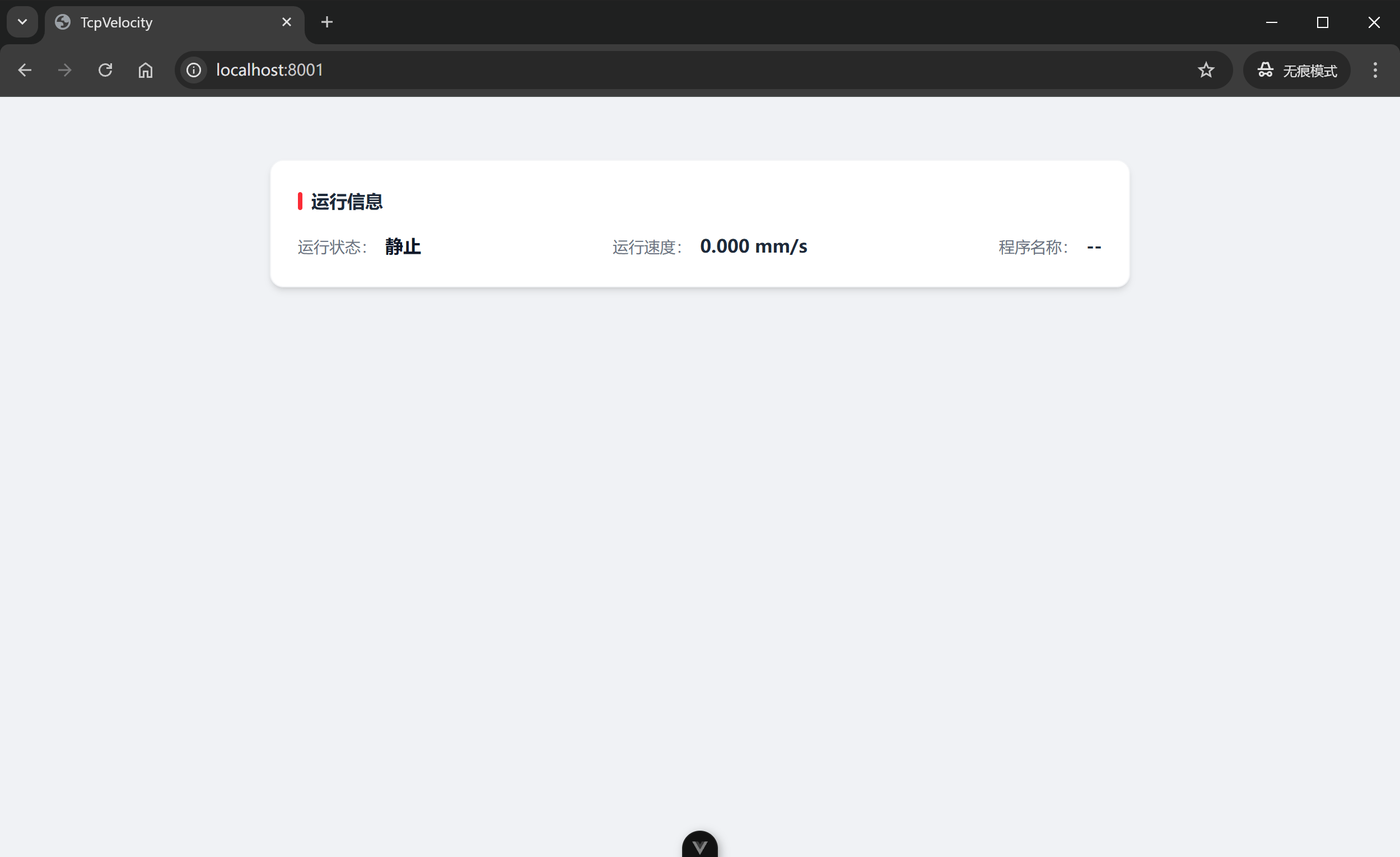
- Execute a sample TP program on the robot and observe the page updating in real time.
Easy service
- In
PowerShell, go toTCP速度/RunningStatusand runpython RunningStatus.pyfor a quick local smoke test.
Packaging
General service
- In
PowerShell, confirmTCP速度/TcpVelocityhas already run through dependency installation (pnpm i&pip install -r requirements.txt). - Run
pnpm build; the artifacts are generated inTCP速度/TcpVelocity/dist.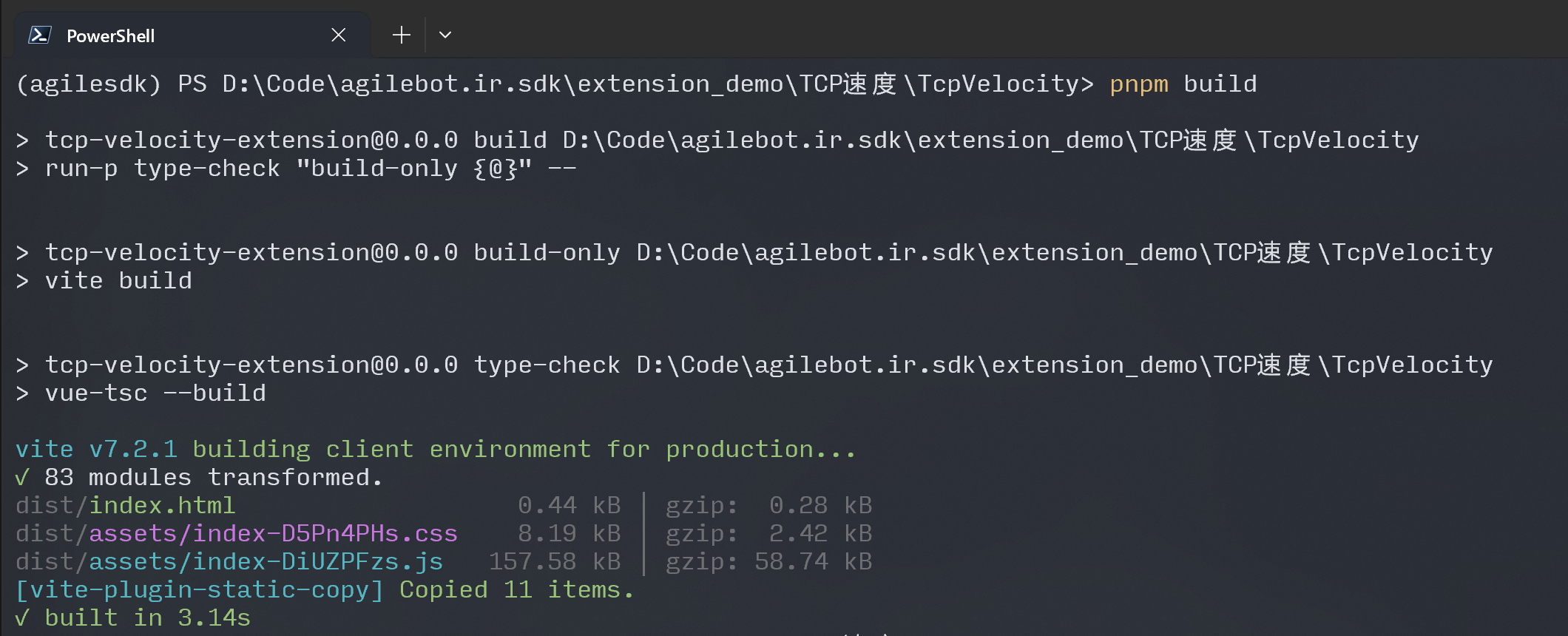
- Use the packaging tool to produce
TcpVelocity.gbtapp. See Package & Install for reference.
Note
When uploading, choose TCP速度/TcpVelocity/dist as the source directory.
After the .gbtapp is created, upload and install it from the Extension Center. 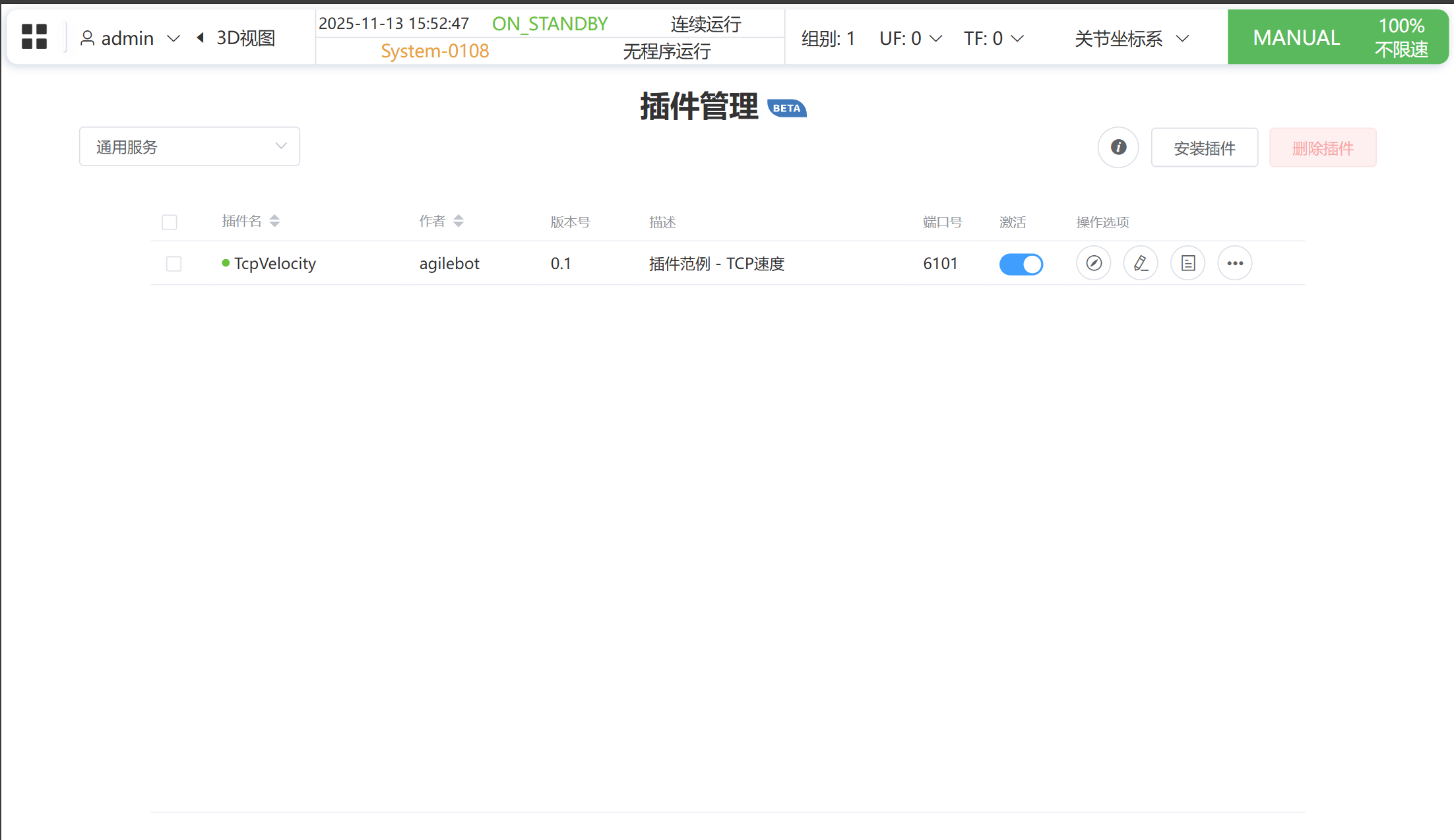
Easy service
- Use the packaging tool to create
RunningStatus.gbtapp. Refer to Package & Install.
Note
When packaging, select TCP速度/RunningStatus as the source directory.
Install the resulting package through the Extension Center.