Debug Guide
Logs
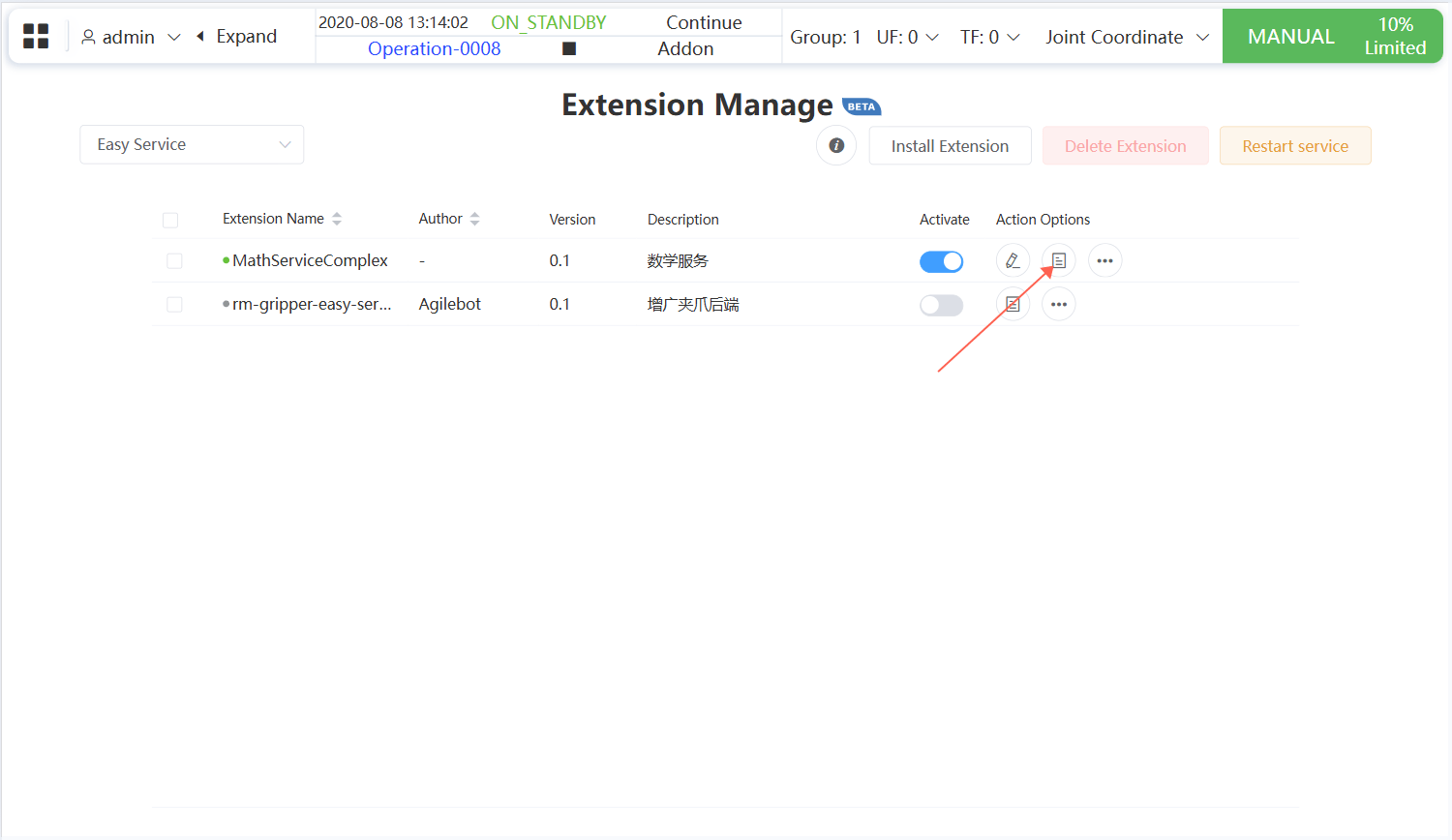
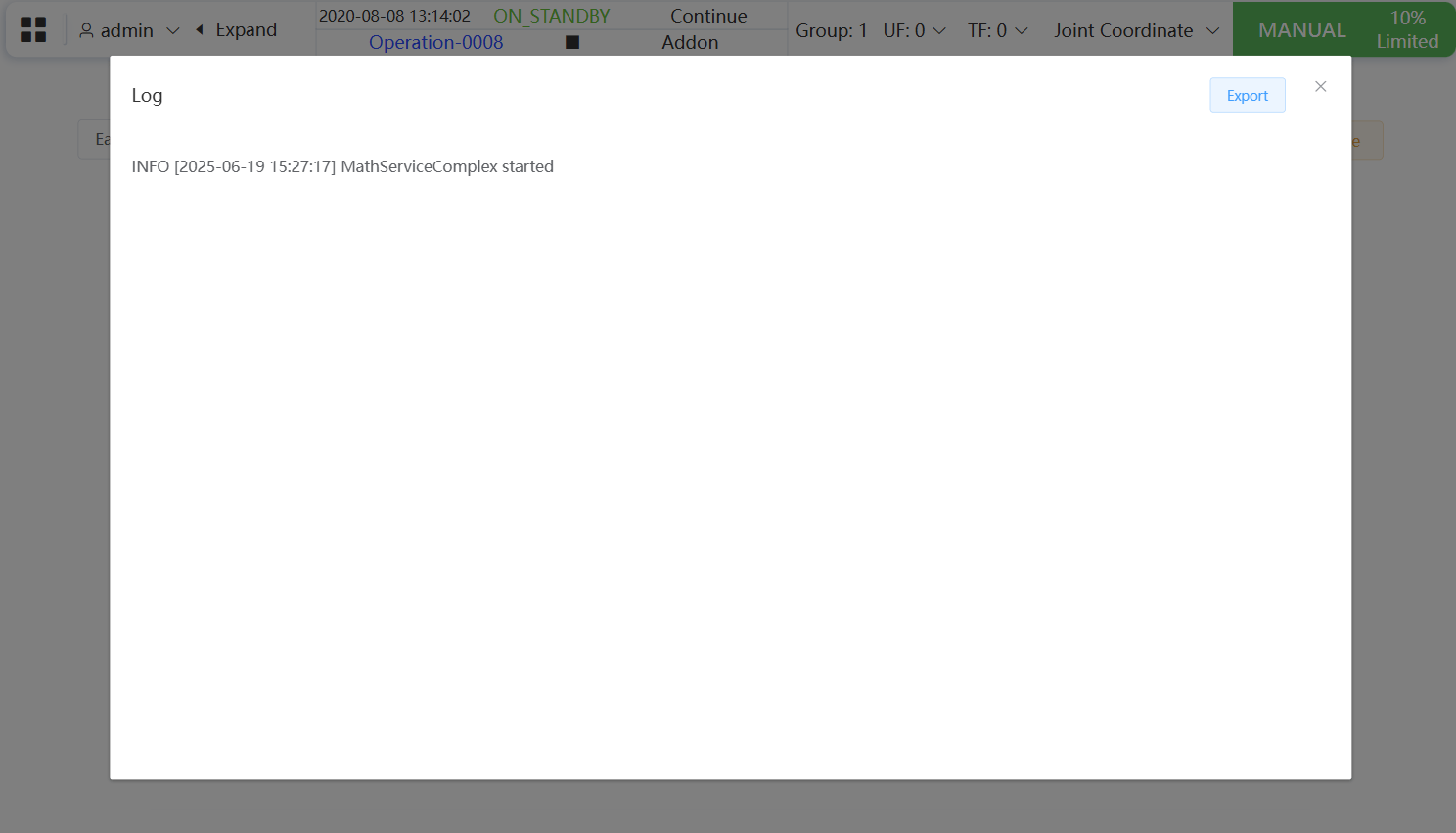
For backend extensions (Easy Service, General Service), you can view extension runtime log information in the extension management interface.
Easy Service
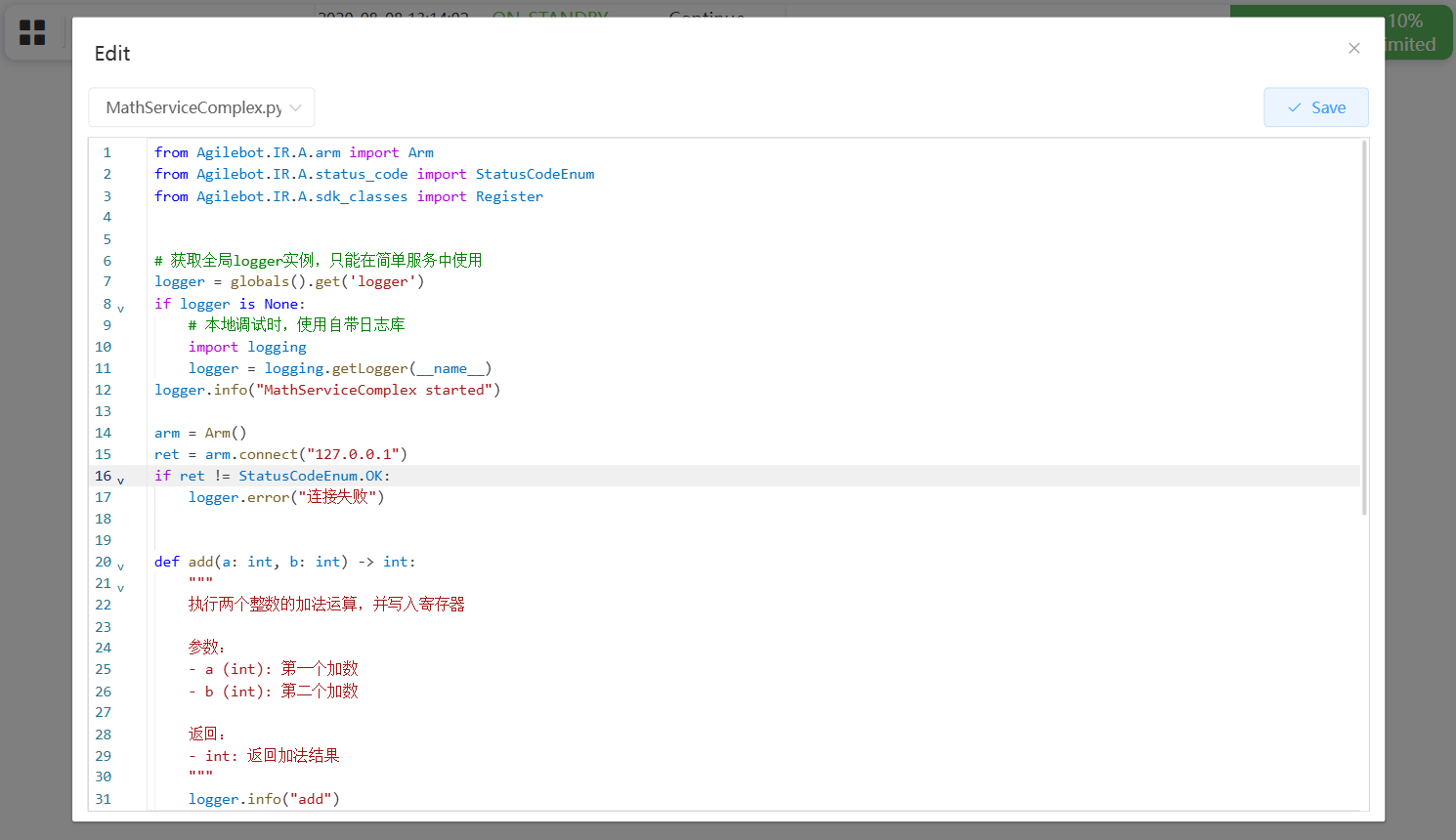
Only when using the logger provided in globals to print logs will the log content appear in the extension management interface:
logger = globals().get('logger')

logger.info("This is a log message")
General Service
General Service can use any logging library (such as logging , loguru , etc.) for log output, and the extension management interface also supports display.
As long as log content is printed to standard output (stdout) or standard error output (stderr), it will be captured by the extension system and displayed in the management interface, regardless of the logging library used.
Below are screenshots of log display in the extension management interface:
Online Editing
All extension types support online editing, allowing users to directly modify extension code in the extension management interface and save changes.
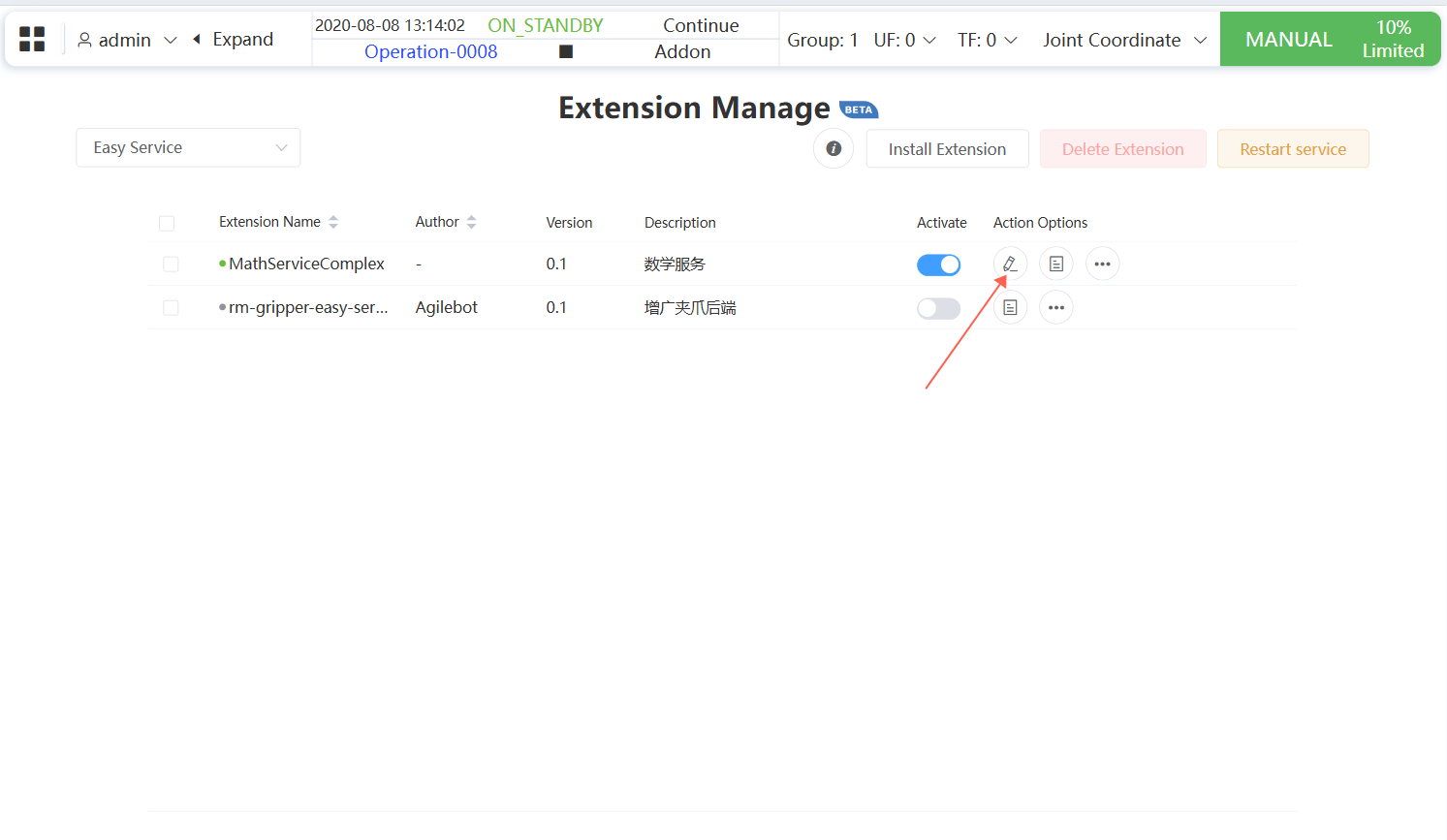
After clicking the "Save" button, the backend service will automatically restart to apply the updated content.